
Fulfillment by Amazon (FBA) is Amazon’s pick, pack, ship, and returns service. You send inventory to Amazon’s warehouses, and Amazon handles storage, order fulfillment, customer service, and returns, while your listings become Prime eligible for free two-day shipping. That eligibility alone often decides whether a listing converts, since Prime shoppers filter search results by badge before they filter by price.
The tradeoff is cost. Amazon charges per unit for fulfillment and per cubic foot for storage, so profitability depends on running your numbers through the FBA Revenue Calculator before committing inventory.
Two things make FBA workable at scale:
- Amazon Prime’s fulfillment promise, which drives buyer trust and search visibility.
- A prep partner like Usiprep that gets inventory checked in fast and keeps storage fees from eating your margin.
Key Takeaways
FBA succeeds when sellers treat Send to Amazon as a compliance step, model fees before shipping, and manage inventory velocity to avoid aged storage charges.
| Point | Details |
|---|---|
| FBA’s core benefit | Prime eligibility plus Amazon-handled pick, pack, ship, and returns removes daily fulfillment work from your plate. |
| Run the numbers first | Use the FBA Revenue Calculator to test fulfillment, storage, and inbound fees before committing inventory. |
| Prep is a compliance gate | Labeling and packaging errors are the leading cause of shipment rejections and check-in delays. |
| Watch IPI and restock alerts | Monitoring these in Seller Central prevents aged inventory fees and stockouts alike. |
| Consider a prep partner | Usiprep’s clients report a 98.9% on-time delivery rate and 30% average cost reduction from cleaner, faster prep. |
Table of Contents
- How Fba Amazon Com Fulfillment Actually Works for Sellers
- What Does Fba Cost, and How Do You Estimate Profit?
- Prep and Labeling Rules That Determine If Amazon Accepts Your Shipment
- Which Seller Central Tools Manage Your FBA Inventory?
- What Other Amazon Fulfillment Programs Should You Know?
- The Operational Mistakes That Quietly Drain FBA Margins
- Your First 30 Days: A Starter Checklist for New FBA Sellers
- Sources
How Fba Amazon Com Fulfillment Actually Works for Sellers
Amazon’s own guidance breaks the process into a six-step workflow, and understanding each step before you ship your first box saves you from expensive rework later.
- Choose your fulfillment strategy. Decide which SKUs go to FBA versus fulfilled-by-merchant. Bulky, low-margin items sometimes make more sense outside FBA.
- Add and enroll products in Seller Central. Create or claim your listings and mark them for FBA fulfillment.
- Prep and label to Amazon’s standards. Every unit needs the correct barcode, poly bag warnings where required, and packaging that survives warehouse handling.
- Create shipments with Send to Amazon. This tool assigns your inventory to fulfillment centers and generates the shipping plan and labels.
- Amazon check-in and inventory availability. Once received, units are scanned, stowed, and made available for sale, though timing varies by center volume.
- Monitor inventory and scale sales. Track sell-through, restock alerts, and advertising performance to decide what to reorder.
Confirm measurements, weights, ship-from address, and label placement before you ever generate a shipping plan. Small errors here cascade into big delays downstream.
Pro Tip: Treat Send to Amazon as a checkpoint, not a formality. Amazon’s own beginner guidance frames it as a compliance gate — get the prep wrong and your shipment gets flagged before it ever reaches the shelf.

What Does Fba Cost, and How Do You Estimate Profit?
FBA runs on a pay-as-you-go model, not a flat subscription. You pay for what you use, and the fee structure breaks into several distinct buckets:
- Fulfillment fees, priced by product size and weight.
- Monthly storage fees, charged per cubic foot and higher during Q4 peak season.
- Aged inventory (long-term storage) fees for units sitting past Amazon’s holding thresholds.
- Removal and disposal fees if you pull unsold stock out of the network.
- Inbound placement fees for certain shipment configurations, plus optional special handling charges.
Storage rates shift seasonally, so a SKU that’s profitable in June can turn thin in November if you haven’t rebudgeted. The FBA Revenue Calculator lets you plug in a product’s dimensions, weight, and sale price to see fulfillment and storage fees side by side before you commit capital.
One overlooked advantage: Amazon states that shipping through FBA can cost up to 70% less per unit than comparable premium options from major carriers, largely through partner carrier discounts baked into the Send to Amazon flow.
Pro Tip: When you model unit economics, use conservative PPC spend and fully landed cost, including inbound freight, not just the manufacturer’s invoice. Optimistic assumptions here are the number one reason sellers think a product is profitable when it isn’t.
Prep and Labeling Rules That Determine If Amazon Accepts Your Shipment
Amazon rejects or quarantines a meaningful share of inbound shipments over prep errors that were entirely preventable. Mislabeling, missing suffocation warnings on poly bags, and incorrect expiration-date placement are the most common culprits, and each one stalls your inventory before it ever becomes sellable.
Before you create a shipment, confirm the following:
- Every unit has the correct FNSKU or manufacturer barcode, scannable and undamaged.
- Poly bags over a certain thickness carry a suffocation warning where required.
- Expiration dates are visible and formatted the way Amazon expects for that category.
- Hazmat or restricted items have the right certifications filed in advance.
- Box measurements, weights, and carton counts match what you enter in Send to Amazon exactly.
Getting all of this right on the first submission is harder than it looks once you’re packing hundreds of units a week.
Pro Tip: Build a strict internal QA step before every shipment, or hand prep to a vetted partner. A seller’s guide to check-in shows how quarantines happen and what it takes to resolve them, and it’s far cheaper to avoid the problem than fix it after the fact.
Which Seller Central Tools Manage Your FBA Inventory?
Seller Central is where every FBA decision actually gets executed, from shipment creation to daily inventory checks. The FBA dashboard surfaces your active shipments, sell-through rates, and any items flagged for review, while the FBA Inventory report breaks down what’s sellable, unfulfillable, or in transit.
Two features are worth checking daily once you’re past your first few shipments: restock alerts, which flag SKUs approaching a stockout based on your sales velocity, and the Inventory Performance Index (IPI), a score Amazon uses to gauge how efficiently you’re managing stock. A low IPI can cap your storage volume during peak periods.
Before your next shipment, work through this inside Seller Central:
- Review restock recommendations and adjust reorder quantities.
- Check your IPI score and address any long-term storage flags.
- Reuse saved shipment templates for repeat SKUs to save prep time.
- Confirm partner carrier discount rates are applied to your shipping plan.
What Other Amazon Fulfillment Programs Should You Know?
FBA has siblings worth knowing about, especially once you’re selling beyond a single channel. Each one extends the same warehouse network to a different use case.
- Multichannel Fulfillment (MCF) lets you use Amazon’s warehouses to fulfill orders placed on your own website or other marketplaces.
- FBA Export extends your FBA inventory to eligible international customers without a separate international listing setup.
- Remote Fulfillment and Pan-regional FBA options distribute stock across multiple countries to speed up cross-border delivery, where available.
- Buy with Prime brings Prime badging and Amazon’s fulfillment speed to orders placed directly on your own storefront.
Consider these once your core FBA operation is stable. Bolting on MCF or international fulfillment before you’ve nailed domestic prep just multiplies your points of failure.
The Operational Mistakes That Quietly Drain FBA Margins
Most FBA sellers don’t lose money on a single bad decision. They lose it a few cents at a time, from problems that repeat month after month. Misprepped shipments get rejected and sit in limbo. Overstocked SKUs rack up aged inventory fees that eat into margin no one budgeted for. Stranded inventory, units that show as unsellable due to a listing error or catalog mismatch, sits invisible unless you’re checking reports weekly. And returns processing costs add up faster on bulky or fragile items than most sellers expect.
Experienced sellers manage this with a few consistent habits:
- Ship smaller, more frequent replenishment batches instead of one large quarterly shipment.
- Watch IPI and restock tools closely rather than reacting after a stockout or an overage fee hits.
- Use a prep partner to catch labeling and packaging issues before they become check-in rejections.
Pro Tip: Long-term storage fees are the single biggest silent margin killer in FBA. Lean, frequent restocking cycles, paired with active IPI monitoring, do more to protect your bottom line than almost any other operational change.
Your First 30 Days: A Starter Checklist for New FBA Sellers
Getting your first shipment live doesn’t require mastering every feature at once. It requires doing a few things in the right order.
- Open your Amazon selling account and enroll in FBA.
- Create your product listing with accurate dimensions and category details.
- Prep and label a small test shipment, ten to twenty units, not your full inventory.
- Build your shipping plan through the Send to Amazon workflow.
- Monitor check-in status and watch for your first sales.
Before you print a single label, have these ready:
- Accurate product measurements and weights.
- A working label printer and compliant barcodes.
- A shipping scale for carton weights.
- Your confirmed ship-from address in Seller Central.
Starting small lets you test listing conversion and real unit economics before you commit serious capital to inventory.
A Fulfillment Partner’s View on Where Sellers Get Stuck
Most check-in delays trace back to the same root cause: prep shortcuts taken to save an afternoon. Sellers who hand prep to a dedicated team consistently see inventory go sellable faster and pay less in avoidable storage penalties. That gap is the entire reason Usiprep exists as an operational focus, not a side service.
Faster Check-Ins, Fewer Rejections: What Usiprep Handles for You
Usiprep is the alternative to guessing at prep compliance on your own. Founded by former Amazon sellers, Usiprep handles receiving, prep and labeling, and kitting with itemized, transparent pricing, so you know exactly what you’re paying for before a box ever ships.
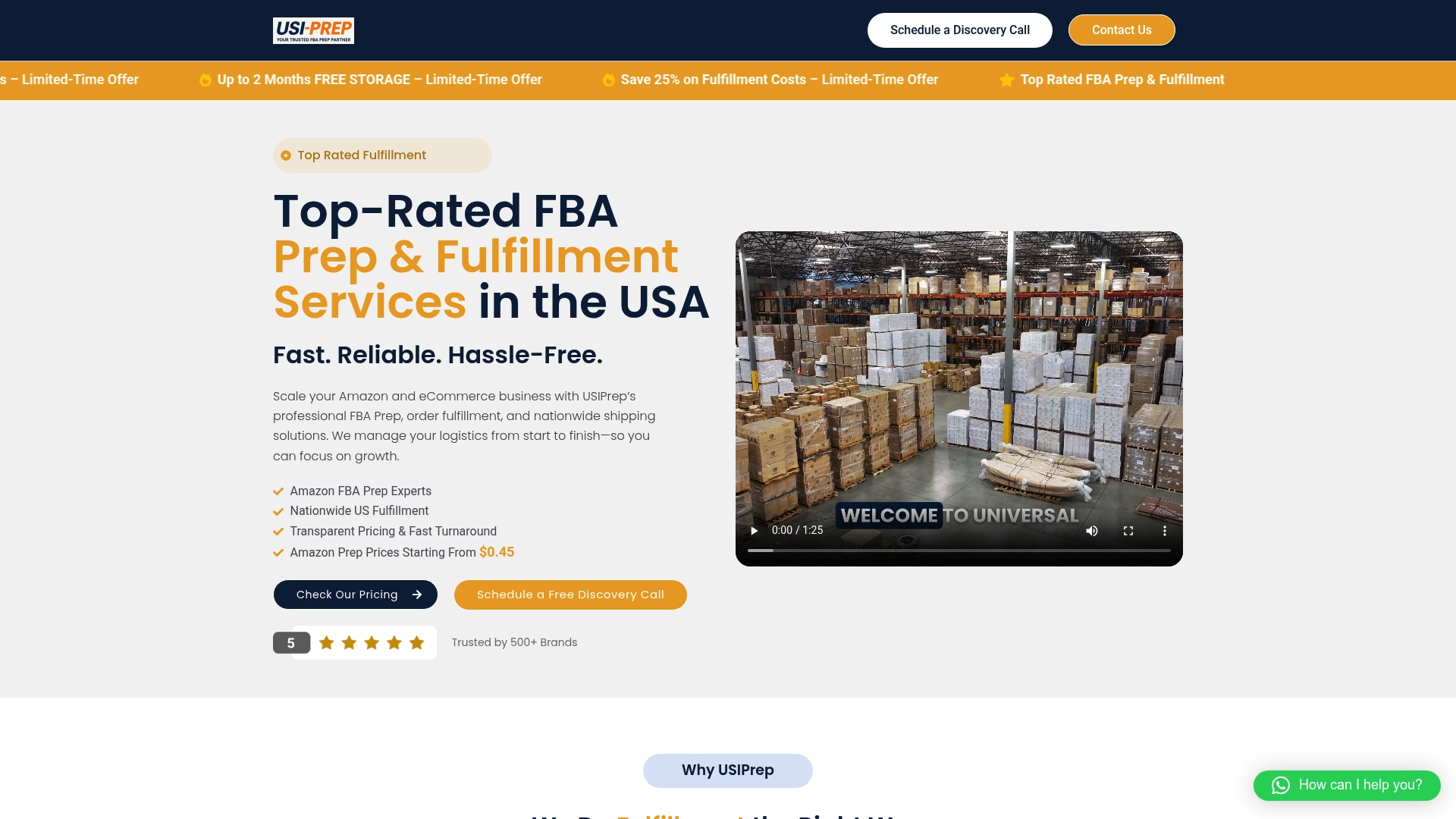
That operational focus shows up in the numbers: Usiprep clients see a 98.9% on-time delivery rate and, for many brands, a 30% reduction in fulfillment costs. What that looks like day to day:
- Faster check-in times that get your inventory sellable sooner.
- Fewer rejected or quarantined shipments thanks to strict compliance review before anything ships.
- Itemized fees with no surprise charges buried in a monthly statement.
- Workflows built to plug directly into your Seller Central shipment process.
If you’re tired of guessing why a shipment got flagged, start with the FBA prep requirements checklist and see exactly what Amazon expects before your next shipment goes out.
Sources
- Amazon FBA (Fulfillment by Amazon)